
The journal
Does it matter what SD card I get for my dash cam?
Yes. Use a high-endurance microSD card that meets your dash cam’s required speed class and supported capacity, then format and test it in the camera.
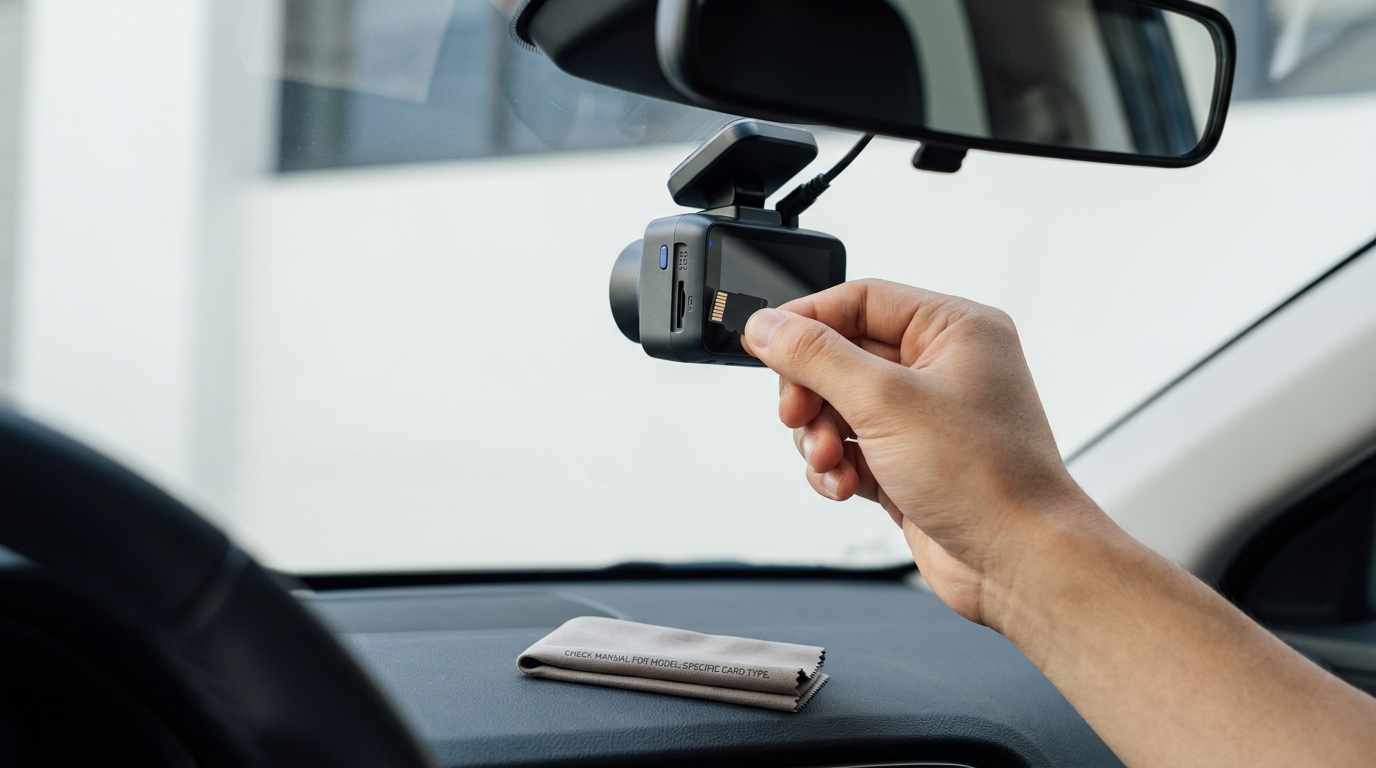
Yes, it matters. Dash cams record continuously and overwrite old files, which is demanding on storage. A high-endurance microSD card that meets your camera’s required speed class and supported capacity is the appropriate starting point for reliable loop recording; an endurance label alone does not guarantee that a card is compatible or will never fail. Several dash cam makers advise using cards built for continuous recording and formatting them periodically for reliability Nextbase: Which SD card for dash cams.
Why the card you choose matters
Dash cams constantly write video in a loop. Cards not designed for this can develop errors, leading to gaps in footage, freezing or files that won’t play. Manufacturers specifically highlight high endurance and the right speed class as critical for consistent recording Nextbase: Which SD card for dash cams. U3 and V30 denote a minimum sequential write speed of 30 MB/s under their respective class tests. Choose the class specified for the exact camera and recording mode rather than inferring it from resolution alone Silicon Power dash cam card guide.
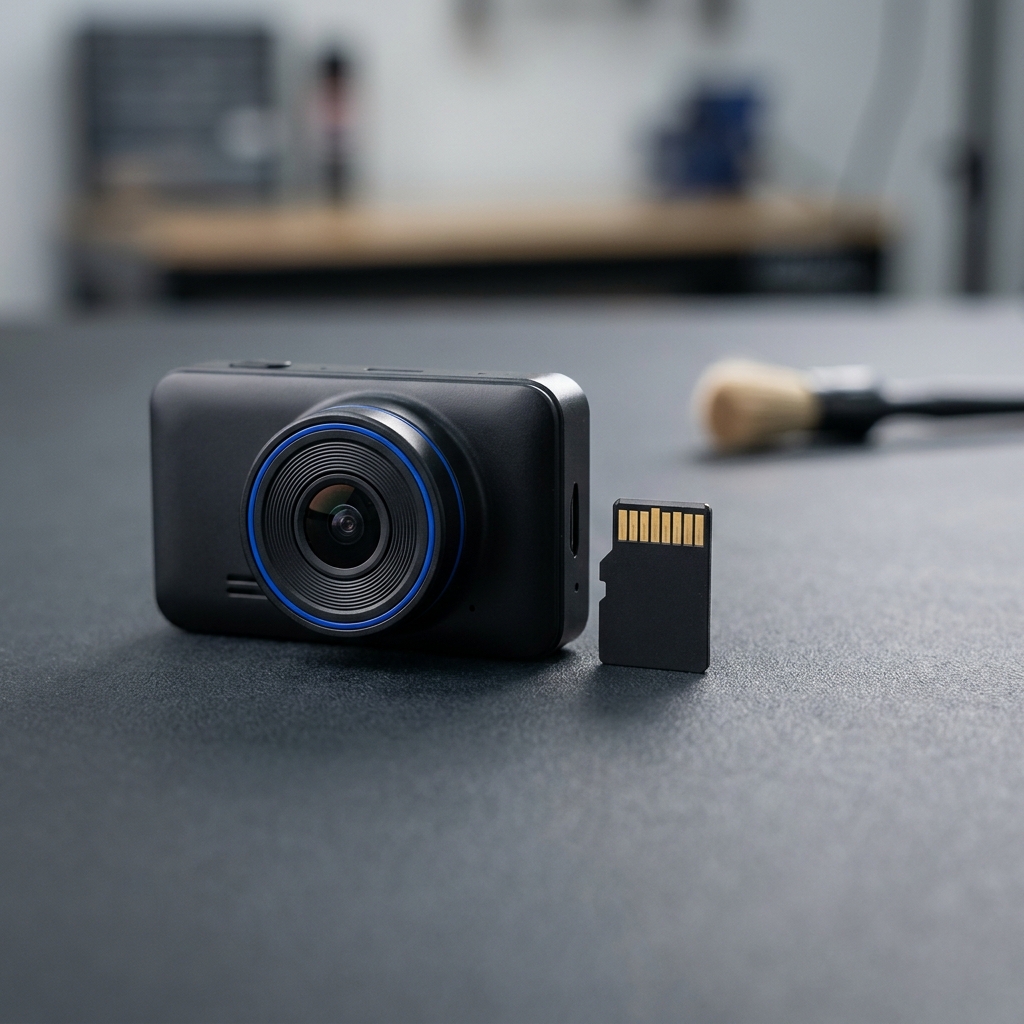
How to choose a card that works reliably
1) Match the required speed class
Check your dash cam manual for the minimum card speed. Requirements vary by model: some devices accept U1/Class 10, while others specify U3 for their features or add-on rear cameras. Makers note that U3 cards are often needed to sustain higher bitrates or dual-channel recording Nextbase: Which SD card for dash cams. If the manual specifies U3 or V30, use a compatible card bearing that class; neither the 4K label nor capacity alone establishes the requirement Silicon Power dash cam card guide. Retail fitment lists also show different models calling for different classes and capacities, so always confirm for your unit Halfords: Which SD card do I need?.
2) Prefer high-endurance microSD
High-endurance models are designed for repeated recording. Check the individual card’s operating-temperature range and the camera maker’s compatibility guidance; the label is not a universal heat or vibration rating. Dash cam brands explicitly recommend endurance-rated cards to reduce the risk of recording failures during continuous use Nextbase: Which SD card for dash cams. Card makers describe endurance models as designed for sustained writing and temperature extremes, with U3/V30 options for higher-resolution recording Silicon Power dash cam card guide.
3) Stay within the camera’s supported capacity
Dash cams have specific capacity limits. Always verify the supported range in your manual before you buy. For example, some popular dash cams list a maximum of 128 GB, but this is model-dependent and not universal Nextbase: Which SD card for dash cams. Larger capacities extend how long footage is kept before loop overwrite, but the actual hours depend on your resolution, bitrate and whether a rear camera is recording. Manufacturers sometimes publish example retention figures for their models, which can help set expectations Nextbase: Which SD card for dash cams.
Pick the right dash cam microSD: quick checklist
Install, format and test
First-time setup
Switch the camera off before inserting or removing the card, following its manual. Back up important footage before formatting: formatting can erase protected or locked clips too. Format using the camera’s menu when instructed. Follow the specific maker’s maintenance interval rather than applying a universal calendar Nextbase: Which SD card for dash cams. Retailer guides also note that your manual will specify the file system and the compatible card types for your model Halfords: Which SD card do I need?.
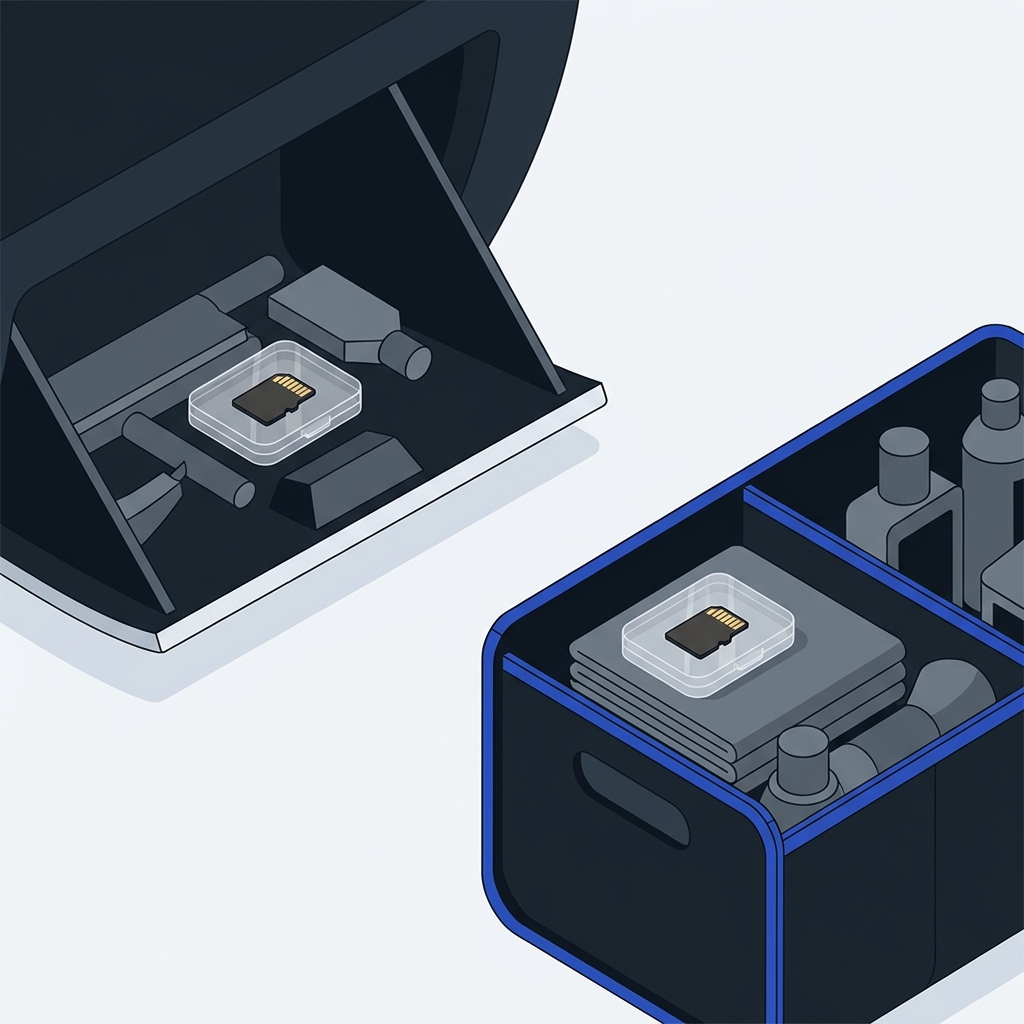
Verify recording quality
After installation, do a short test drive. Confirm that files are sequential, play smoothly and include audio or GPS data if your model supports it. If you see errors, save recoverable important clips before following the manual’s formatting or replacement steps. A compatible endurance card is worth checking, but recording faults can also involve the camera, power supply or firmware; changing cards is not a guaranteed cure Nextbase: Which SD card for dash cams.
When things go wrong
Common signs of an incompatible or failing card include SD errors, recording failures, frozen screens, gaps between files, corrupted or unplayable clips, or the camera not starting or stopping correctly. If these occur, back up any crucial footage, format the card in the camera, and test again. If issues persist, replace the card with a high-endurance option of the correct speed and a capacity supported by your dash cam Nextbase: Which SD card for dash cams.
Short FAQ
Can I use any microSD card?
Not reliably. Dash cams benefit from high-endurance cards and the correct speed class to handle constant loop recording without frame drops or file corruption Nextbase: Which SD card for dash cams.
Do all dash cams need U3/V30?
No. Requirements vary. Some models accept U1/Class 10, but others specify U3 for features like higher-resolution or dual-channel recording. Check your manual or a fitment table for your exact device Halfords: Which SD card do I need? Silicon Power dash cam card guide.
Related on Driven & Kept: keep the view clear for your dash cam and your eyes. See How to get rid of haze on the inside of a windshield and New wipers, still streaks: causes and fixes.
