
The journal
Which is better for a dash cam, 128GB or 256GB?
Compare supported 128GB and 256GB dash-cam cards using actual recording rates, usable storage, endurance and your camera’s requirements.
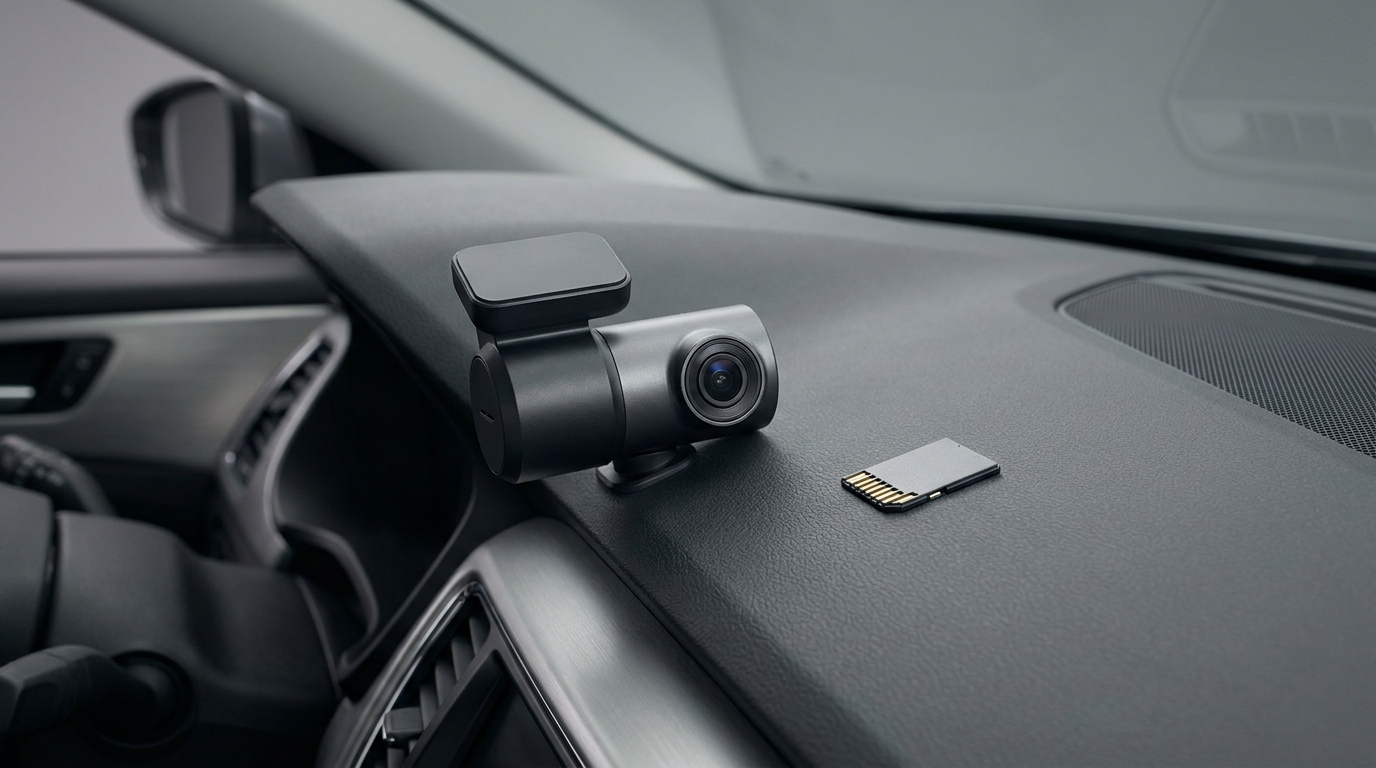
Choose between 128GB and 256GB only after confirming that your exact dash cam supports both. At the same recording settings and with comparable usable space, 256GB can retain roughly twice as much footage before loop overwrite. Whether you need that extra history depends on the combined recording rate, how long the camera runs and how quickly you save important clips.
Compatibility comes before capacity
Check the camera model, firmware guidance, approved card types, maximum capacity and minimum speed class. A physically fitting 256GB card is not automatically supported. Nextbase’s card guidance illustrates why the requirements belong to the camera rather than to a resolution label alone. Follow your own maker’s instructions instead of applying another model’s limit.
Calculate the recording window consistently
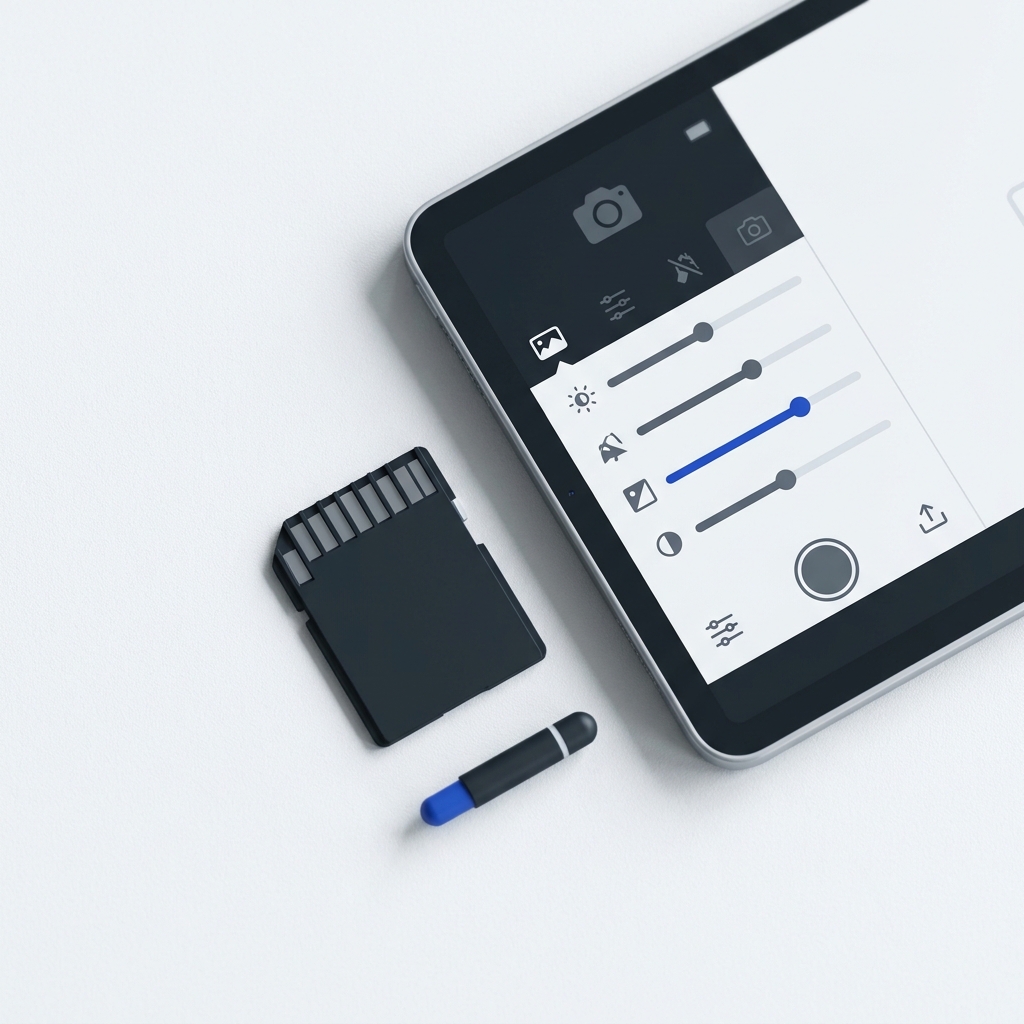
Use the combined storage rate for every camera channel and the usable space allocated to that recording mode. The basic calculation is available storage divided by storage used per hour. Keep units consistent: the following examples use decimal GB and GB per hour.
- At a hypothetical combined rate of 6 GB per hour, 128 ÷ 6 is about 21.3 hours and 256 ÷ 6 is about 42.7 hours.
- At 20 GB per hour, the same arithmetic gives 6.4 hours and 12.8 hours.
Those are arithmetic examples before filesystem overhead, reserved partitions or protected-file allocation, not measured retention figures for a particular camera. Variable bitrate, multiple channels and parking-mode settings can change actual use. Redtiger’s recording guide likewise discusses storage in relation to the recording setup. Use the figures for your model, or inspect the size and duration of its saved files when parked safely.
When each capacity makes sense
A supported 128GB card may be enough if its actual recording window covers the period you want to retain and you save important clips promptly. A supported 256GB card is useful when the same-quality footage needs a longer history, especially with more channels or longer recording periods. Do not assume every 1080p setup needs only 128GB or every 4K camera accepts 256GB.
Endurance, speed and power are separate checks
Use the endurance specification and speed markings your manufacturer recommends for repeated writing. Larger capacity is not a substitute for a compatible card, and capacity alone does not guarantee longer service life. A bigger card also does not provide parking-mode power: follow the camera and vehicle instructions for its power supply and battery protection.
Choose a supported dash-cam card
Protect footage before changing anything
Back up important clips before formatting because formatting can erase protected files as well as ordinary recordings. Insert or remove the card with the camera powered off as the manual directs. Use its recommended in-camera formatting method and maintenance interval, then check that recordings from every channel play correctly. A universal formatting calendar does not suit every camera or usage pattern.
FAQ
Will 256GB improve image quality?
Not merely because it is larger. At unchanged camera settings, extra capacity principally changes how much history can be retained.
Can I rely on a resolution-only hours chart?
No. Bitrate, channel count, allocated storage and recording mode matter. Use model-specific figures and consistent arithmetic.
For a clear recording view, see How to clean the inside of your windshield streak-free and New wipers, still streaks: causes and fixes.
